
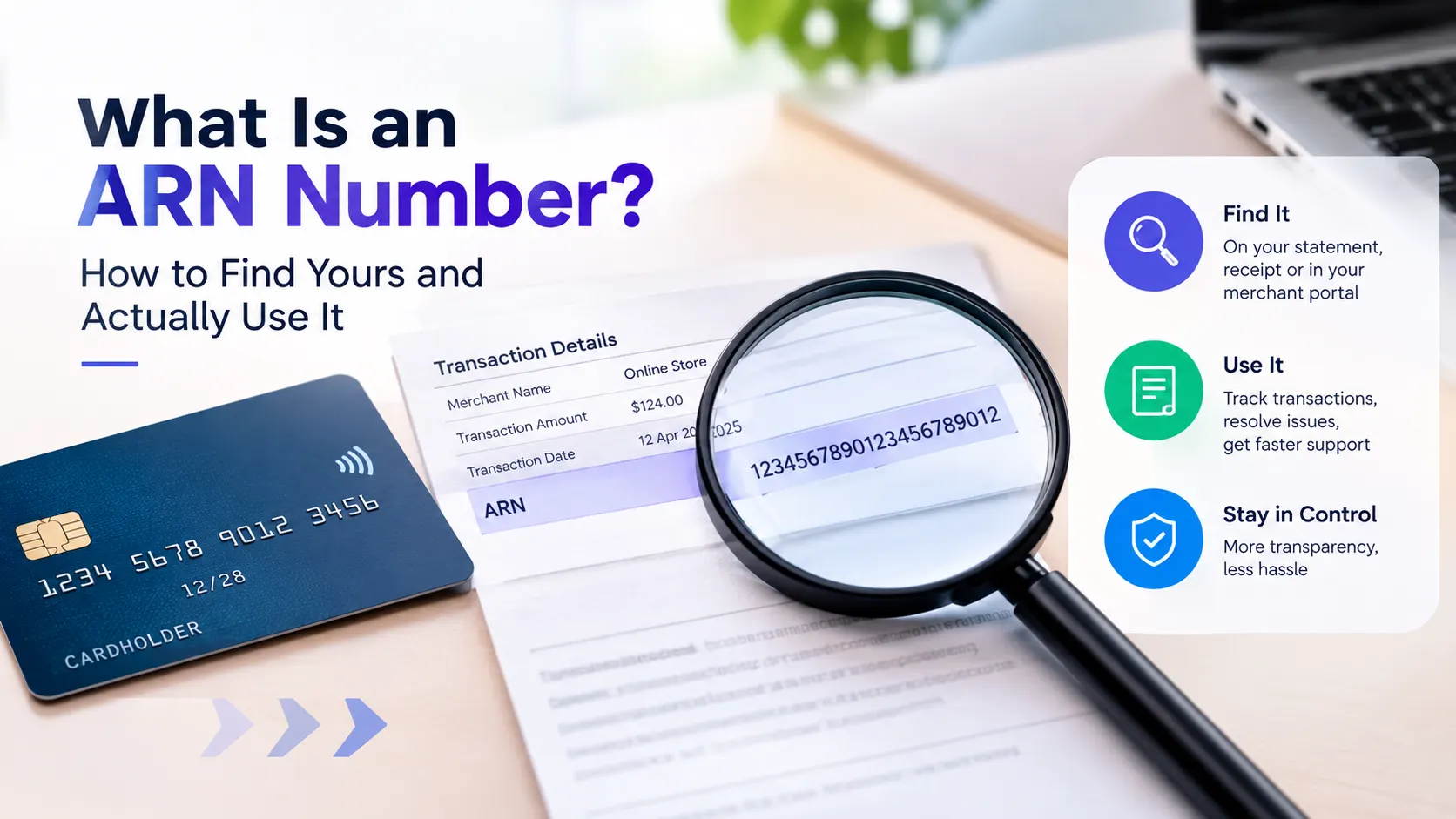
If you’ve landed here, you’re probably staring at a bank statement, a refund that hasn’t shown up, or a chargeback form asking for something called an “ARN”, and nobody’s explained what that actually is or where to find it. This guide walks through the whole thing, what it means, where it actually lives, and exactly how to use it whether you’re a shopper chasing a refund or a merchant fighting a dispute.
An ARN (Acquirer Reference Number) is a unique code, 23 digits for Visa and Mastercard, assigned to a card transaction so it can be traced across every bank it touches. Merchants get it from their payment gateway or acquirer; cardholders get it from the merchant, not from their bank statement directly. It’s the single most useful piece of information for tracing a stuck refund or fighting a chargeback, because unlike an internal transaction ID, every bank in the chain recognizes it.
What an ARN Actually Is
An Acquirer Reference Number is a tracking code generated by the acquiring bank, the merchant’s bank, the moment a card transaction settles. Think of it less like a receipt number and more like a shipping tracking number: it follows the payment (or refund) as it moves from the merchant’s bank, through the card network, to the cardholder’s issuing bank, and every stop along that route can read the same code.
That’s the detail that actually matters. A merchant’s internal order number or transaction ID only means something inside that merchant’s own system. An ARN means something to every bank in the chain, which is exactly why it’s the reference number people ask for when a refund seems to have vanished, or when a bank needs to investigate a disputed charge.
The Full Journey: How an ARN Comes to Exist
It helps to see the whole lifecycle, because the ARN doesn’t show up at the moment most people expect.
Step 1 – Purchase: You tap, swipe, or enter your card at checkout. At this point, the transaction only has an authorization code and a processor-side transaction ID. No ARN exists yet.
Step 2 – Batch settlement: At the end of the business day (or sometimes in near-real-time for modern gateways), the merchant’s acquiring bank bundles that transaction into a settlement batch and sends it into the card network for clearing. This is the moment the ARN is actually generated, not at checkout.
Step 3 – Clearing through the network: The card network (Visa, Mastercard, etc.) routes the transaction to the cardholder’s issuing bank, carrying the ARN as its universal identifier the whole way.
Step 4 – Posting: The issuing bank posts the finalized charge to your account. This is usually when a “pending” transaction on your statement becomes a confirmed one, and it’s often the earliest point an ARN can be requested for that transaction.
Step 5 – Refund or dispute (if it happens): If a refund is issued or a dispute is opened, the same ARN is used again to trace the reversal back through the identical path, bank to network to bank, in reverse.
Knowing this sequence explains two things people often find confusing: why a brand-new “pending” charge sometimes doesn’t have a retrievable ARN yet, and why a refund can take several business days even after a merchant confirms it’s been sent, the money is retracing a multi-party route, not teleporting.
Decoding the 23 Digits
For Visa and Mastercard transactions, an ARN is always 23 characters, and it’s not random, the structure encodes real information:
| Position | What It Encodes |
|---|---|
| Digit 1 | Card network, commonly 7 for Visa, 8 or 2 for Mastercard |
| Digits 2–7 | The acquiring bank’s Bank Identification Number (BIN) |
| Digits 8–11 | Julian date of processing (1 digit for year, 3 for day-of-year) |
| Remaining digits | A unique sequence number for that batch |
So a number like 74296224158000123456789 isn’t gibberish, the 7 tells you it ran on Visa, the next block identifies which acquiring bank processed it, and the four digits after that tell you almost exactly when it settled. That’s genuinely useful when you’re trying to figure out which of three similar purchases a mystery charge belongs to.
One thing almost every ARN explainer online gets slightly wrong: this exact format is a Visa convention. Mastercard uses a related but technically distinct 15-position “Trace ID” internally (a Financial Network Code, a Banknet Reference Number, and the settlement date), and American Express uses its own Transaction Identifier (TID) of up to 15 characters. In practice, support teams across all three networks will usually understand what you mean if you ask for the “ARN,” but if a Mastercard or Amex rep looks confused, asking for the “Trace ID” or “Transaction Identifier” instead can unstick the conversation immediately.
Network-by-Network Quick Reference
| Network | What It’s Called | Typical Length | Where It Lives |
|---|---|---|---|
| Visa | Acquirer Reference Number (ARN) | 23 characters | Settlement record, starts with 7 |
| Mastercard | Trace ID | 15 positions | Banknet reference field |
| American Express | Transaction Identifier (TID) | Up to 15 characters | Amex processing record |
| Discover | Reference/Trace Number | Varies by processor | Settlement record |
Where to Actually Find Your ARN
This is the part most explainers skip, and it’s the part people actually came here for.
If You’re a Merchant
Your ARN doesn’t live on your website or in your shopping cart software, it’s generated by your acquirer at settlement, not at checkout. Where to look depends on your setup:
- Stripe: open the specific payment in the Dashboard, expand the “Payment details” or timeline section, the ARN typically appears once the charge has settled, not immediately at authorization.
- PayPal: available through transaction details for card-funded payments, though PayPal-balance-only transactions won’t have one since no card network was involved.
- Square: found in the transaction detail view under card processing details, generally only after the batch has closed for the day.
- Shopify Payments / other platform processors: check the underlying payment gateway’s dashboard rather than Shopify’s own order screen, since Shopify is the storefront, not the acquirer.
- A traditional merchant account / standalone gateway: it’ll be on your settlement report or batch report from your acquirer, usually a daily or per-batch file rather than something surfaced per-transaction in real time.
If you genuinely can’t locate it anywhere in your processor’s tools, that’s worth a direct call to your account rep, don’t assume it doesn’t exist just because it’s not visible in the default dashboard view.
If You’re a Customer
Here’s the part that surprises people, there’s no public ARN lookup, and it typically won’t appear on your own bank or card statement. The merchant is who generates and holds the number for your specific transaction, which means if you need it, you ask the merchant’s support team directly, referencing the order date, amount, and last four digits of your card. Your bank can sometimes retrieve it internally once a dispute is formally opened, but they’re rarely the fastest first stop, the merchant usually has it on hand more quickly.
Real Scenarios Where This Actually Comes Up
“I don’t recognize a charge on my statement:” Before assuming fraud, check whether the merchant name on your statement matches the billing descriptor a business actually uses, plenty of legitimate charges show up under a parent company or payment processor’s name instead of the storefront brand you remember. If it’s still unrecognized after that check, contact your bank; they can use transaction details (and eventually the ARN) to trace it.
“The merchant says they refunded me 10 days ago and I still don’t see it:” This is the single most common reason people search for ARN information. Contact the merchant, get the ARN and the exact refund date, then give your bank that information directly rather than describing the situation in general terms, a specific reference number turns a vague “where’s my money” call into a traceable one.
“I was charged twice for the same order:” Get the ARN for both charges. If they’re genuinely duplicates, the ARNs will show the same amount and near-identical settlement timing but different sequence numbers, that’s useful proof to hand your bank or the merchant rather than just asserting “I was charged twice.”
“I closed the card the refund is going back to:” The money doesn’t just disappear, banks generally still need to route it somewhere, often to a replacement account or via a check, but the process varies by bank. Having the ARN on hand makes this conversation considerably faster than trying to describe “a refund from a purchase I made a few weeks ago” from memory.
How Merchants Actually Use It: Chargeback Defense, Step by Step
For a business, the ARN’s biggest job is chargeback and dispute defense. When a customer disputes a charge with their bank, the case reference nearly always ties back to the ARN, because it’s the one identifier the issuing bank, the card network, and the acquiring bank can all pull up and agree is the same transaction.
A practical representment workflow looks like this:
- Identify the disputed transaction by ARN: as soon as the chargeback notification arrives, don’t rely on matching by amount and date alone, since duplicate amounts happen.
- Pull every piece of evidence tied to that specific transaction: order confirmation, shipping or delivery confirmation, IP address and device data at checkout, and any customer communication.
- Match the evidence package explicitly to the ARN: in your representment submission, since processors and networks use it to confirm your evidence corresponds to the exact disputed charge.
- Submit within the network’s response window: Visa and Mastercard generally require chargeback responses within a defined number of days from notification, and missing that window typically means an automatic loss regardless of evidence quality.
Get the ARN wrong or omit it, and your evidence can fail to match to the case entirely, which is functionally the same as submitting no evidence at all.
The ARN also does quieter work in day-to-day reconciliation: matching batch settlement reports against what actually hit your bank account, and confirming partial refunds or split settlements landed correctly. If your numbers aren’t tying out at month-end, the ARN is usually the fastest way to find where a specific transaction diverged from the batch total.
How Cardholders Actually Use It to Trace a Refund
For a customer, the ARN’s main job is tracing a refund that’s taking longer than expected. Refunds don’t move instantly even after a merchant hits “process”, the money has to retrace the same multi-bank chain described above, and it can take anywhere from a few business days to a couple of weeks to reappear, depending on the issuing bank’s own posting cycle.
If a refund is genuinely overdue, here’s the practical sequence:
- Contact the merchant first and ask them to confirm the refund was processed, and request the ARN along with the exact date it was sent.
- Call your bank or card issuer and give them the ARN directly, rather than just describing the situation, this lets them look up the specific transaction in the network rather than searching by approximate date and amount.
- Ask your bank specifically whether the refund has arrived at their end but hasn’t posted yet, versus whether it hasn’t arrived at all, these have different resolutions, and the ARN is what lets them tell the difference.
- If it’s been more than the merchant’s and bank’s stated timelines combined, ask about escalating to a formal trace or investigation, which typically requires the ARN as a starting reference.
ARN vs. Transaction ID vs. Authorization Code
These three get confused constantly, and the mix-up wastes real time on support calls:
- Authorization code: a short code confirming the issuing bank approved the charge at the moment of purchase. It proves the charge was authorized; it doesn’t help trace where money is afterward, and it’s generated before the ARN even exists.
- Transaction ID: assigned by the payment processor when the transaction is initiated. Useful internally for the merchant’s own records and reporting, but it doesn’t travel with the payment across banks.
- ARN: assigned at settlement and recognized across the entire network. This is the one to use for disputes, refund tracing, and chargeback representment.
A simple way to remember the order: authorization code happens first (at the swipe), transaction ID exists the whole time (internal to the processor), and the ARN only appears once the transaction actually settles.
If you want the fuller breakdown of how all three fit into choosing and working with a processor, see our guide on ARN, transaction IDs, and authorization codes merchants should check.
Troubleshooting: Common Problems and What Actually Fixes Them
The merchant says the transaction hasn’t settled yet, so there’s no ARN: This is genuine, not a stall tactic, see Step 2 of the lifecycle above. Ask for a timeline on when settlement typically completes and follow up after that window.
Two different ARNs are given for what should be one transaction: This usually means a partial refund or a split settlement occurred, each generating its own ARN. Ask specifically which amount each ARN corresponds to.
Your bank says they can’t find a transaction matching the ARN you were given: Double-check the digits were transcribed correctly, a single misread digit (especially between similar-looking characters) will return no match. If it’s confirmed correct and still unmatched, ask whether you were given a Transaction ID or authorization code by mistake instead of the actual ARN.
A merchant refuses to provide an ARN at all: Legitimate businesses generally have no reason to withhold this, it’s standard information available in any payment processor’s dashboard. Persistent refusal, combined with other issues, is worth treating as a signal to escalate directly to your bank rather than continuing to wait.
Is It Safe to Share Your ARN?
Generally yes, with normal caution. An ARN alone doesn’t expose your full card number, and it can’t be used by itself to initiate a new charge or move money, its function is purely as a lookup and tracing reference. That said, treat it the way you’d treat any transaction-specific detail, share it only with your bank or the merchant directly involved in the transaction, not in public forums or with unsolicited callers claiming to need it to “verify” your account, which is a common social-engineering pretext.
FAQ
Is an ARN the same as a transaction ID?
No. A transaction ID is generated by the processor at the start of a transaction and stays internal to that processor. An ARN is generated by the acquiring bank at settlement and is recognized across every bank in the payment chain, which is why it’s what disputes and refund tracing actually rely on.
How many digits does an ARN have?
23, for Visa and Mastercard transactions specifically. Mastercard technically stores this in a related but distinct 15-position “Trace ID” field, and American Express uses its own Transaction Identifier of up to 15 characters, but asking for the “ARN” is understood across all three in practice.
Can I look up an ARN myself online?
No. There’s no public ARN lookup tool. The number lives with the merchant’s acquirer and is issued to the merchant, so you’ll need to request it from the merchant directly, or have your bank retrieve it once a dispute is opened.
Why isn’t my refund showing up even though the merchant confirmed it?
Refunds route back through the same multi-bank chain as the original payment and commonly take several business days to post, even after the merchant’s system shows it as processed. If it’s genuinely overdue, the ARN is what lets your bank trace exactly where it’s sitting.
Do I need an ARN to dispute a charge with my bank?
It helps significantly and speeds up the process, but it’s not always a hard requirement, your bank can often open an investigation with just the transaction date and amount and retrieve the ARN themselves.
Where do merchants get the ARN for a transaction?
From their payment gateway or acquirer’s dashboard, typically listed alongside each settled transaction, or on the acquirer’s settlement report. It’s not something generated by the merchant’s own checkout system, and it usually isn’t available until after settlement.
Why do I have two different ARNs for what I thought was one purchase?
This typically happens with partial refunds, split shipments billed separately, or split settlements across multiple batches, each distinct settlement event gets its own ARN even if it originated from a single order.
Is it safe to give my ARN to someone who calls asking for it?
Only if you initiated the contact with your bank or the merchant. An ARN can’t move money on its own, but unsolicited requests for transaction details are a common pretext for social engineering, always call your bank back on the number printed on your card rather than continuing with an inbound caller.
Comments
No comments yet. Be the first to share your thoughts.
Leave a comment