
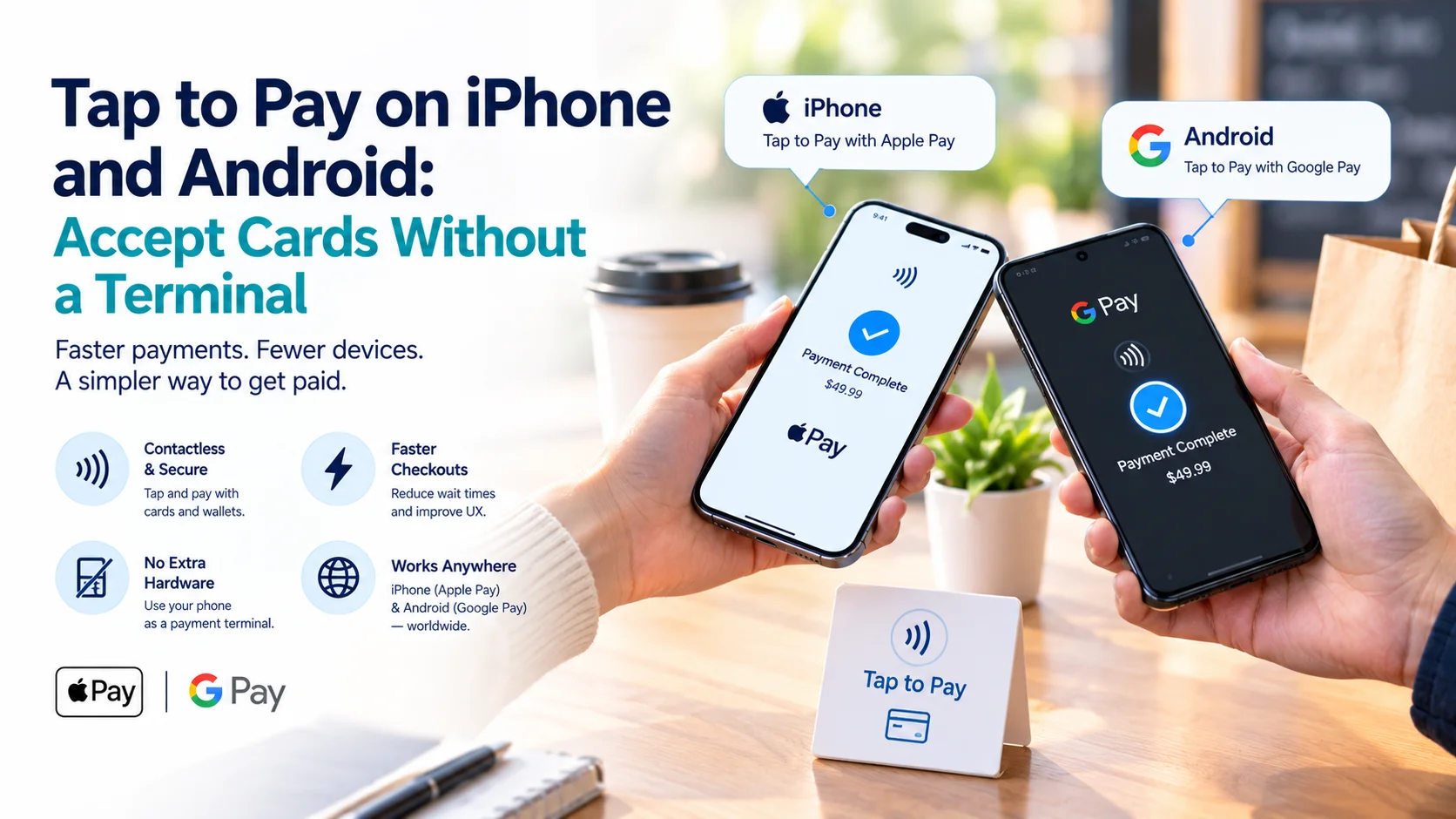
Not long ago, taking card payments meant buying a terminal, signing a lease or waiting for a reader in the post. Now the phone in your pocket can do the job. Tap to Pay turns a compatible iPhone or Android phone into a contactless card machine with no extra hardware. Whether it suits your business depends on your sales, your provider and a few practical limits.
Tap to Pay lets you accept contactless cards and wallets on your phone, usually at the same per-transaction rate as a physical reader. It suits market stalls, mobile services and backup payments. It is less ideal for busy counters that need printed receipts or heavy volume. Compare the fixed fee per sale, because that is where providers really differ.
What Tap to Pay Actually Is
Tap to Pay is a form of SoftPOS, short for software point of sale. Your phone’s NFC chip reads a contactless card or a digital wallet such as Apple Pay or Google Pay when the customer taps it on the back of your phone.
It replaces the card reader, not the payment provider. Behind the app, you still need an account with a company that handles payment processing, funds the sale and pays you out. Think of Tap to Pay as the front end, and your provider as everything behind it.
What You Need
- A supported phone: For iPhone, providers generally cite an iPhone XS or newer on a recent iOS version. Android phones need NFC and a provider that supports them.
- A business account: You will usually complete identity and business checks first.
- A provider’s app: Square, Stripe-powered apps, PayPal and others have built Tap to Pay into their software.
- A connection: You need mobile data or Wi-Fi to authorise the payment.
Setup often takes 10 to 15 minutes, though approval can take longer.
Where It Works: US, UK and Singapore
United States: Tap to Pay on iPhone launched here in 2022, and several large providers support both iPhone and Android.
United Kingdom: Tap to Pay is widely available through banks and payment apps, and many providers support both iPhone and Android.
Singapore: Apple launched Tap to Pay on iPhone in Singapore in December 2025, making it the 50th country. Provider support is still growing. HitPay, Fiuu and Adyen have announced support, and commentators expect patchy coverage at first, as in other new markets.
Android support varies by provider and country, so check the provider’s own page for your phone model.
What It Costs
In most markets, a tap on your phone costs the same as a tap on the provider’s own reader. You save the hardware, not the transaction fee.
United States (published in-person rates, mid-2026)
| Provider | In-person rate | Notes |
|---|---|---|
| Square | 2.6% + 15¢ | No separate Tap to Pay charge |
| Stripe | 2.7% + 5¢, plus 10¢ per Tap to Pay authorisation | About 2.7% + 15¢ in total |
| PayPal Point of Sale | 2.29% + 9¢ | Formerly Zettle; reported figure |
These figures come from provider pages and third-party roundups, and they change. Verify them before signing up.
United Kingdom
A third-party roundup lists Square at about 1.65% per transaction, SumUp at 1.69% and PayPal’s Zettle at 1.75%. Monzo Business is listed at 1.4% to 2.9% plus 20p. Rates vary by plan, so check the live pricing.
Singapore
Card rates are higher than in the US or UK. Stripe’s in-person card rate is reported as 3.4% + S$0.50, the same as its online rate. If you also take PayNow QR in person, HitPay lists 0.4% with a minimum of S$0.10. Compare Tap to Pay pricing on each provider’s Singapore page.
How the Fixed Fee Changes the Picture
Percentages look similar, but the fixed fee decides what small sales cost. Here is a US example using the published rates above.
| Sale | Square | Stripe | PayPal Point of Sale |
|---|---|---|---|
| $15 | $0.54 (3.6%) | $0.56 (3.7%) | $0.43 (2.9%) |
| $60 | $1.71 (2.85%) | $1.77 (2.95%) | $1.46 (2.44%) |
On a $15 coffee-and-cake order, the fixed fee is a big slice. On a $60 sale, the percentage matters more. Work out your average sale before you choose.
When Tap to Pay Works Well
- Pop-ups and market stalls: No hardware to buy, charge or carry.
- Mobile services: Cleaners, trades, photographers and pet groomers can take payment on the doorstep.
- A backup: If the main reader dies on a Friday night, your phone is a free spare.
- Starting out: You can test demand before committing to a terminal contract.
- Occasional sales: If you take a few card payments a week, avoiding a monthly terminal fee helps.
When You Still Want a Terminal
- A busy counter: Handing a phone back and forth slows a queue.
- Printed receipts and tipping: Dedicated terminals handle these more smoothly.
- Heavy volume: Phone batteries and signal become a point of failure.
- Multiple staff: Several people sharing one phone gets messy.
- Patchy connectivity: A terminal with a built-in SIM can be more reliable in some venues.
Some cards may also ask for a PIN or extra verification. Check how your provider handles that before you rely on it.
Is It Safe?
Apple states that it does not store card numbers on the device or on its servers, and Stripe notes the same for Tap to Pay on iPhone. Android providers rely on certified software and the phone’s secure hardware.
You can help by keeping your phone updated, using a screen lock, and downloading the provider’s official app only. Treat the phone as the till, not as a casual personal device.
Common Mistakes
- Assuming it is cheaper per sale: It is usually the same as a reader. The saving is hardware.
- Ignoring the fixed fee: On small tickets it changes your margin.
- Not checking payout timing: Ask when funds reach your bank account.
- Skipping a test: Run a few small real payments before launch day.
- Forgetting restricted categories: Not every provider accepts every business.
A Note for High-Risk Sellers
Most flat-rate apps keep lists of prohibited and restricted businesses. If you are a high-risk merchant, you may not be approved for a consumer-friendly tap-to-phone app at all.
In that case, a specialist provider for high-risk payment is the realistic route. Ask whether it offers an in-person option, such as a virtual terminal or a mobile-compatible merchant payment setup. As a general rule, card-present payments carry less fraud risk than online ones, which can help your case.
How to Choose in Five Steps
- Check your phone: Confirm it meets the provider’s requirements.
- Work out your average sale: This tells you whether the fixed fee or the percentage matters more.
- Compare two or three providers: Look at fees, payout speed and any monthly cost.
- Read the restricted business list: Make sure your category is accepted.
- Run a test: Take small payments and check how and when the money arrives.
Frequently Asked Questions
Do I need to buy a card reader?
No. Tap to Pay uses your phone’s NFC chip. You do need an account with a provider that supports it.
Can I use my personal phone?
Yes, if it meets the requirements, but many owners prefer a dedicated business phone for security and battery life.
Does Tap to Pay cost less than a reader?
Per transaction it is usually the same. You save the hardware cost and any reader lease.
Does it work without internet?
Generally no. You need a data or Wi-Fi connection to authorise payments, so test your signal where you sell.
Can customers pay with Apple Pay and Google Pay?
Yes. Tap to Pay accepts contactless cards and mobile wallets such as Apple Pay and Google Pay.
The Verdict
Tap to Pay is a genuinely useful tool for sellers on the move, and a smart backup for everyone else. It does not change what you pay per sale, but it removes the hardware, the lease and the waiting.
If your sales are small, mobile or occasional, start with a phone. If you serve a busy counter all day, a terminal will probably earn its place. To compare providers, see the TheFinRate payment gateways directory.
Comments
No comments yet. Be the first to share your thoughts.
Leave a comment