
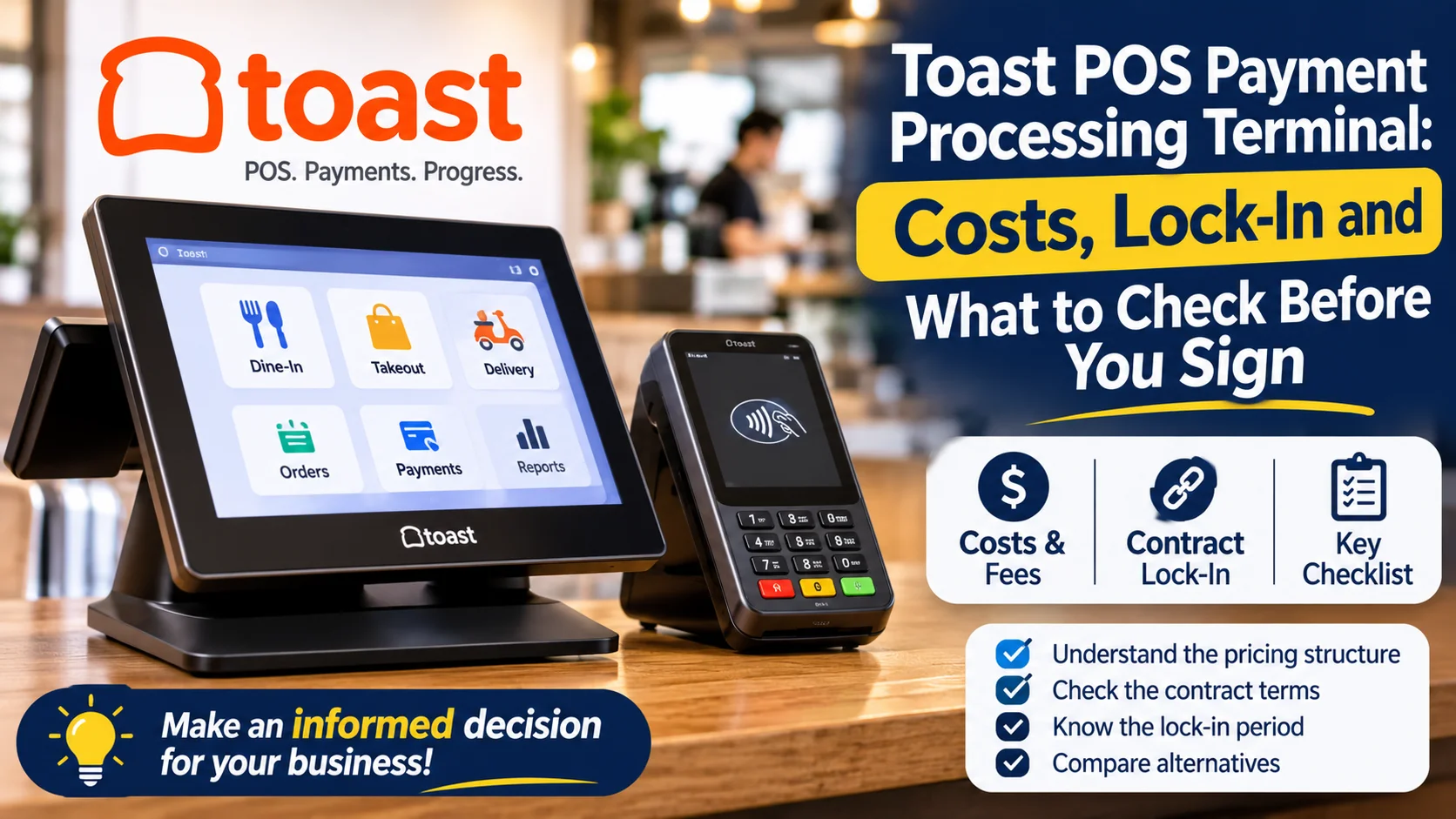
Toast is one of the best-known POS systems for restaurants. Its terminals look simple to buy, but the payment processing behind them is where most of the cost sits. Toast also ties the terminal to its own processor, which affects what you can negotiate later. This guide explains how it works, what it can cost and what to check before you sign.
What a Toast POS payment processing terminal is
A Toast terminal is the screen and card reader your staff use to take orders and payments. Toast sells its own hardware, and the main devices are.
- Flex: the countertop terminal, usually bought with a tap reader.
- Go 2: a handheld device for taking orders and payments at the table.
- Kitchen display screens, kiosks and printers: add-ons for larger setups.
The terminal and the software work as one system. You cannot swap in your own iPad or a third-party card reader and keep the Toast software.
How Toast payment processing works
If you use Toast's POS, you also use Toast Payments as your payment processor. Independent reviews consistently report that third-party processors are not allowed. Confirm this with Toast before you sign, because terms can change.
That has two effects:
- One bill covers software and processing: Your processing rate is part of the same agreement as your POS plan.
- You cannot shop around: With a processor-agnostic POS you could compare processing quotes. With Toast, the rate in your quote is the rate you work with.
What it can cost
Prices differ between review sites and change often, and Toast quotes are partly custom. Use the figures below as a rough guide only.
| Item | Reported range | Note |
|---|---|---|
| Flex countertop terminal | about $719 to $1,199 | Depends on the kit (tap reader, display, printer) |
| Go 2 handheld | about $400 to $700 | Often listed with a monthly device fee |
| Software plan | $0 to about $69 per month | Higher tiers add features |
| In-person processing | about 2.49% to 3.69% + 15¢ | Depends on the plan and your volume |
Online ordering and delivery tools usually carry extra monthly fees and different processing rates, so ask for those prices separately.
Pay-as-you-go or standard plan?
Toast commonly offers two routes. The first has a $0 monthly fee, little or no upfront hardware cost, and a higher processing rate. The second has a monthly fee, you buy the hardware, and the processing rate is lower.
Here is a simple example using two commonly reported rates, 3.09% on the free plan and 2.49% on a $69 plan (both plus the same 15¢ per transaction):
- The rate gap is 0.60%.
- The $69 monthly fee is paid back once the 0.60% saving equals $69.
- That happens at roughly $11,500 in monthly card sales ($69 divided by 0.006).
Below that volume, the free plan costs less on these numbers. Above it, the paid plan starts to win, though you must also count the hardware you buy upfront. Your own quote may use different rates, so redo the sum with your numbers.
The fine print that changes your real cost
Contract length: Review sites report standard contracts of about two years that renew automatically, with early termination fees. Ask what it costs to leave.
Rate changes: One review says the merchant agreement lets Toast raise processing rates with 30 days' written notice. A rival POS company's blog also reports that Toast raised some credit card rates in September 2024. Treat both as reports to verify, and read the clause in your own agreement.
The fixed fee: A 15¢ per-transaction fee sounds small. On a $20 average order it adds 0.75 percentage points to your effective rate, so cafés and quick-service shops with small tickets feel it most.
Hardware and add-ons: Backup terminals, printers, kitchen screens and online ordering all add up. Budget for at least one spare terminal, because downtime on a busy night is costly.
Who Toast suits, and who should compare first
Toast can suit you if you run a restaurant, bar or café, want one system for POS, kitchen and ordering, and are comfortable with a multi-year deal.
Compare alternatives first if you:
- want to choose or negotiate your own payment processor
- run a very small business with low monthly volume
- have small average tickets, where fixed fees weigh more
- need flexibility to leave without heavy penalties
Questions to ask before you sign
- What is my exact processing rate for in-person, online and keyed-in payments?
- Is the rate fixed for the full contract, and what notice is needed to change it?
- How long is the contract, and what is the early termination fee?
- What hardware do I own, and what is leased or financed?
- Are there monthly fees per device, and for which add-ons?
- How fast do funds settle, and what are the chargeback and dispute fees?
- Can I see the full merchant agreement before I commit?
Get the answers in writing and compare at least two other quotes.
Alternatives to compare
A fair comparison covers three kinds of options:
- Other all-in-one restaurant POS systems that also bundle their own processing. Compare their rates and contract terms line by line.
- POS systems that let you pick your own processor, which gives you room to negotiate.
- A standalone merchant account plus a separate POS, which gives the most control but takes more setup.
You can compare payment providers in the TheFinRate directory, and check the fees and contract terms each one publishes.
Frequently asked questions
Can I use my own payment processor with Toast? Reviews report that Toast requires its own processor, Toast Payments. Confirm this with Toast before you sign.
Can I use my own terminal or an iPad? Reports say Toast uses its own hardware, so third-party terminals are not supported. Ask Toast to confirm which devices work.
How much does Toast payment processing cost? Reviews report in-person rates from about 2.49% to 3.69% plus 15¢ per transaction, depending on the plan and volume. Rates are quoted per business, so your offer may differ.
Is Toast good for a small café? It can be, but check the fixed per-transaction fee, the contract length and the cost of leaving. Small tickets and low volume make those terms more important.
This article is general information, not financial advice. Prices, rates and terms change, and every quote is different, so confirm the details with the provider before you sign.
Comments
No comments yet. Be the first to share your thoughts.
Leave a comment